Vehicle history checks
How to check a used car before buying: the five-minute checklist
Before buying a used car: run a free MOT and DVLA check on the registration, read the mileage at every MOT for drops, then pay £3.99 for a vehicle history check covering stolen, finance, write-off, import and keeper records. At the viewing, match the VIN and V5C to the report. Five minutes and under £4 protects a purchase worth thousands.
| What you get | Free check | History check £3.99 |
|---|---|---|
| Make, colour, fuel, engine, CO2, first registered | ✓ | ✓ |
| Tax status and due date | ✓ | ✓ |
| MOT status, expiry and full MOT history | ✓ | ✓ |
| Mileage at every MOT | ✓ | ✓ with discrepancy alert |
| Stolen (Police National Computer + MIAFTR) | - | ✓ |
| Outstanding finance with lender details | - | ✓ |
| Write-off category, insurer and loss date | - | ✓ |
| Imported, exported and scrapped markers | - | ✓ |
| Previous keepers, plate and colour changes | - | ✓ |
| Outstanding safety recall | - | ✓ |
| Full specification (10 sections) | - | ✓ |
| PDF report, stored 6 months | - | ✓ |
| Subscribers pay £2.50 per history check. | Free check → | History check → |
Step by step
Free check the registration from the advert
Confirm the make, colour, fuel and year match the advert, that it is not marked for export, and read the tax and MOT expiry dates.
Free MOT & DVLA check →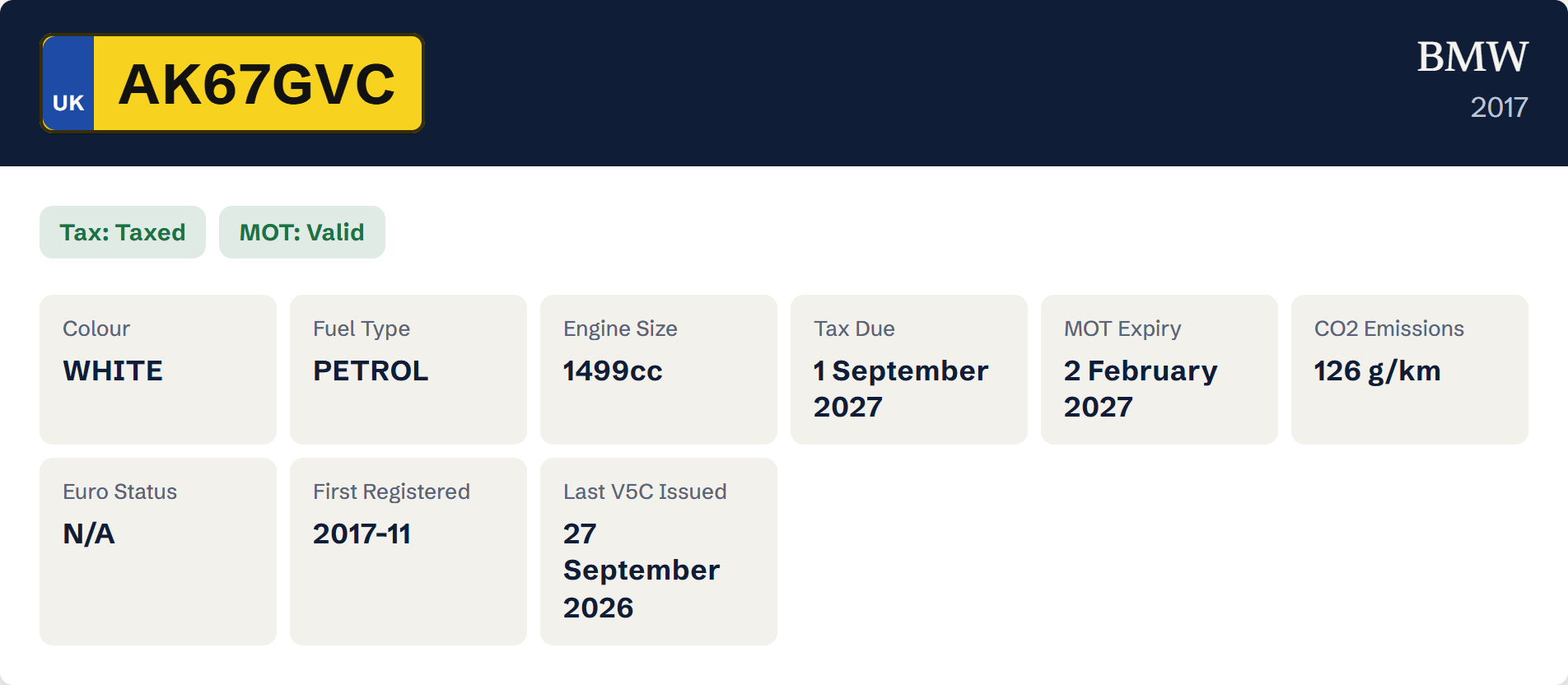
Free check result confirming make, year, colour, fuel and tax and MOT status Read the MOT history
Look for failed tests, repeated advisories and any mileage reading lower than the one before. Note gaps of more than a year.
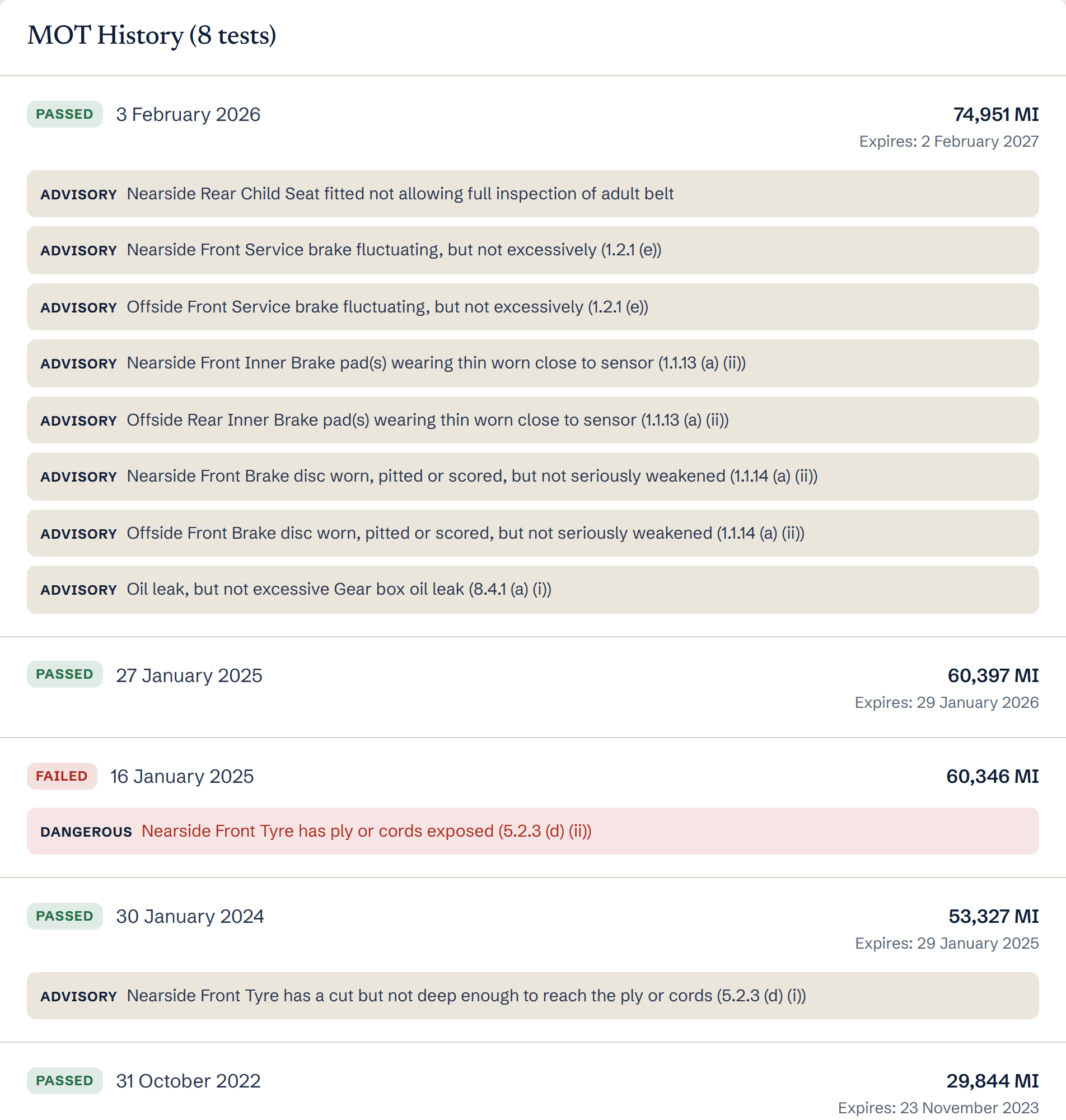
MOT history showing a failed test and advisories Run a £3.99 history check
This is the step that finds outstanding finance, stolen markers, write-off categories, import and export, scrapping and keeper history. None of these appear on free checks.
Vehicle history check →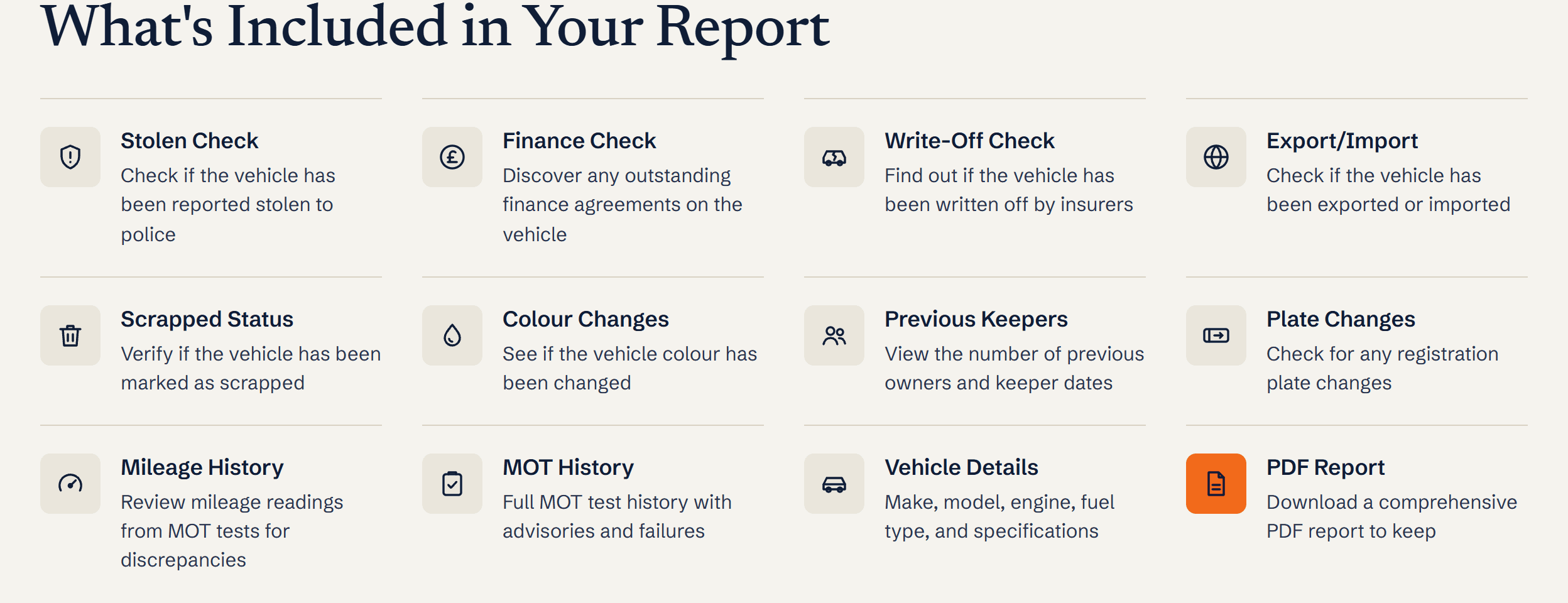
What is included in a DealerPricing history report: stolen, finance, write-off, export/import, scrapped, colour changes, keepers, plate changes, mileage, MOT history, vehicle details and PDF At the viewing, match the paperwork
Check the VIN in the windscreen and door pillar against the report and the V5C, confirm the seller’s name and address match the V5C, and see the car at that address.
What you’ll see
- Whether the advert’s description matches the DVLA record
- MOT failures, advisories and the mileage trend
- Every provenance marker that could cost you the car
- The VIN, keeper history and plate changes to verify in person
Ready to try it?
£2.50 for DealerPricing subscribers. Report stored for 6 months with a PDF.
Frequently asked questions
What checks are free when buying a used car?
DVLA vehicle details, tax status, MOT status and the full MOT history with mileage are free. Stolen, finance, write-off, import and keeper checks are held on private databases and are only available in a paid history check.
Should I still get a history check from a dealer?
Reputable dealers run one on every car and will show it to you. If they will not, run your own; it is the cheapest part of the purchase.
What are the biggest red flags?
Outstanding finance, a stolen marker, a Cat A or B write-off, a mileage reading that goes backwards, a seller who will not meet at the V5C address, and a VIN that does not match the paperwork.
Is a history check enough on its own?
It covers the paperwork risks. Pair it with a test drive and, for anything expensive, an independent mechanical inspection. A clean provenance report does not mean the clutch is fine.
Ready to run it? Car history check prices compared
Related guides
- Looking for an HPI check? How to check a car’s history for £3.99
- How to check a car’s MOT history for free
- How to check a car’s mileage history and spot a clocked car
- How to check if a car has outstanding finance
- How to check if a car is a write-off (Cat A, B, S or N)
- Free car check vs paid history check: what each shows and when to pay
- How to tell if a car is cloned (UK)
Terms explained
- HPI checkAn HPI check is a UK vehicle history report that confirms whether a car is stolen, has outstanding finance, has been written off, has mileage discrepancy, or has had its plate, colour or keeper details changed.
- V5C logbookThe V5C is the official UK vehicle registration document issued by DVLA, showing the registered keeper, vehicle technical details and ownership history.
- Mileage discrepancyA mileage discrepancy occurs when a UK vehicle's recorded mileage decreases between MOT tests or other records - the leading indicator that the odometer has been illegally tampered with.