Using the dashboard
How to search without a registration (manual search)
Click Search manually on the dashboard and step through the wizard: make, model, mileage, year, fuel type, transmission, body type, drivetrain, engine size and trim. You can stop at any step; the more you specify, the tighter the comparable set. Use it for cars you have not bought yet or for market research on a model.
Step by step
Click "Search manually"
It sits next to the VRM search at the top of the dashboard.
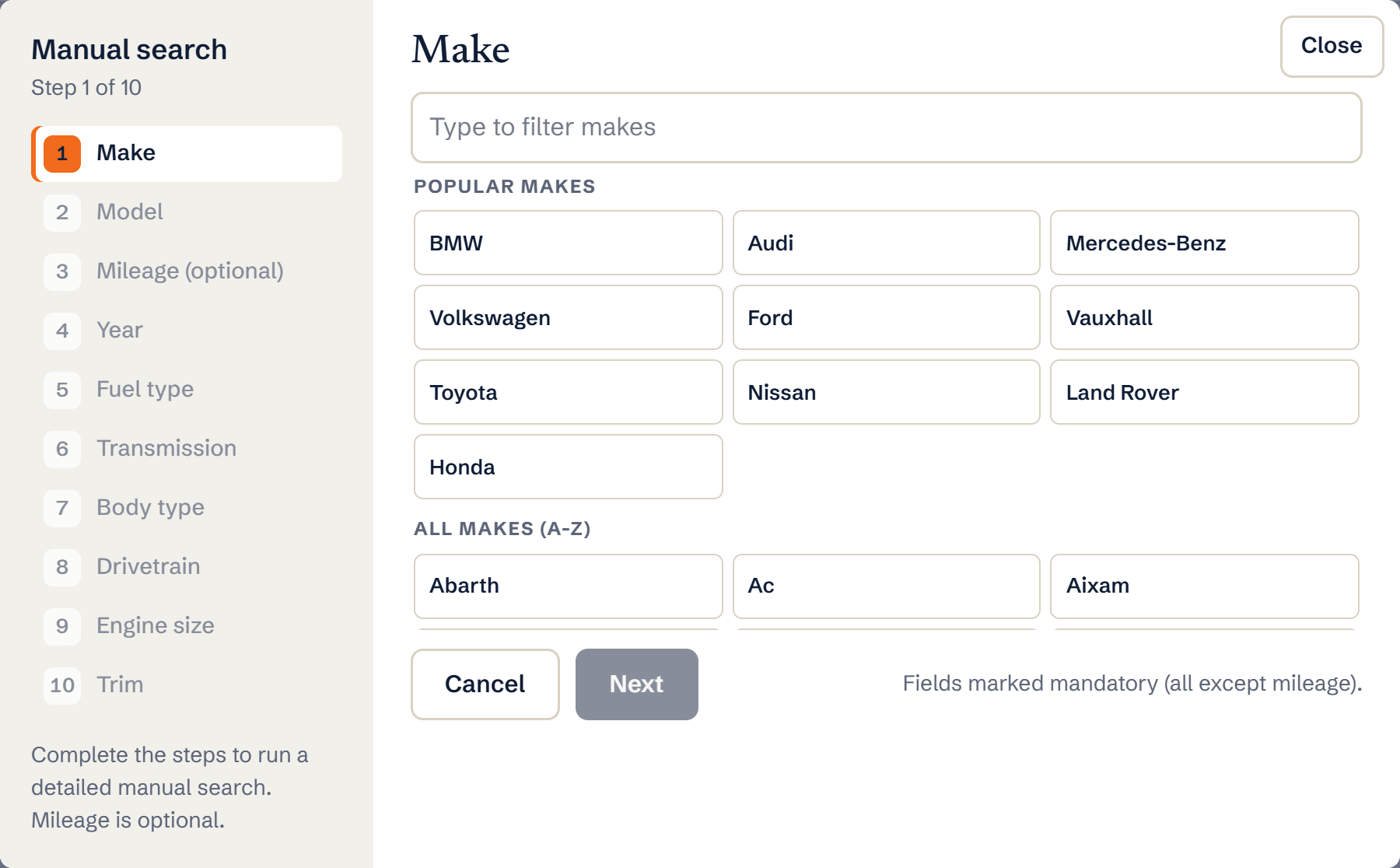
The manual search wizard starting with the make step Step through the wizard
Make and model are required; every later step is optional. Year, fuel and transmission make the biggest difference to the results.
Refine with filters
Once results load, use Adjust Filters and the sort options exactly as you would after a VRM search.
What you’ll see
- Live listings matching your chosen spec
- Sold listings for the same spec when you switch listing type
- Insights for the model where enough data exists
Ready to try it?
Already a member? Log in and open the dashboard.
Frequently asked questions
When should I use manual search instead of a registration?
When you are researching a model to stock, comparing trims, or the registration is not decoding. For a specific car you are pricing, the VRM search is faster and more precise.
Can I get a valuation from a manual search?
Valuations need a specific vehicle identity, so they come from VRM searches. Manual search gives you the market picture: listings, sold prices and insights.