Vehicle history checks
How to check if a car is stolen
To check if a car is stolen, run a vehicle history check on its registration. DealerPricing searches both the Police National Computer (PNC) and the insurers’ MIAFTR register and shows a separate stolen marker for each, with the police force and date where a record exists. The check costs £3.99, or £2.50 for subscribers.
Step by step
Open the vehicle history check
Go to the DealerPricing vehicle history check. It searches the same national databases that branded checks such as HPI use: the Police National Computer, the insurers’ MIAFTR register, finance company records and the DVLA.
Vehicle history check →Enter the registration and pay £3.99
Type the number plate and click "Check History". One-off checks cost £3.99; subscribers pay £2.50 from their account balance. The report is ready in seconds.
The vehicle history check form with the Check History button Check both stolen markers
In the History Check section look for "PNC stolen marker" and "MIAFTR stolen marker". Clear cars show "Not recorded as stolen" on both. A hit shows the reporting force, the date and the current status.
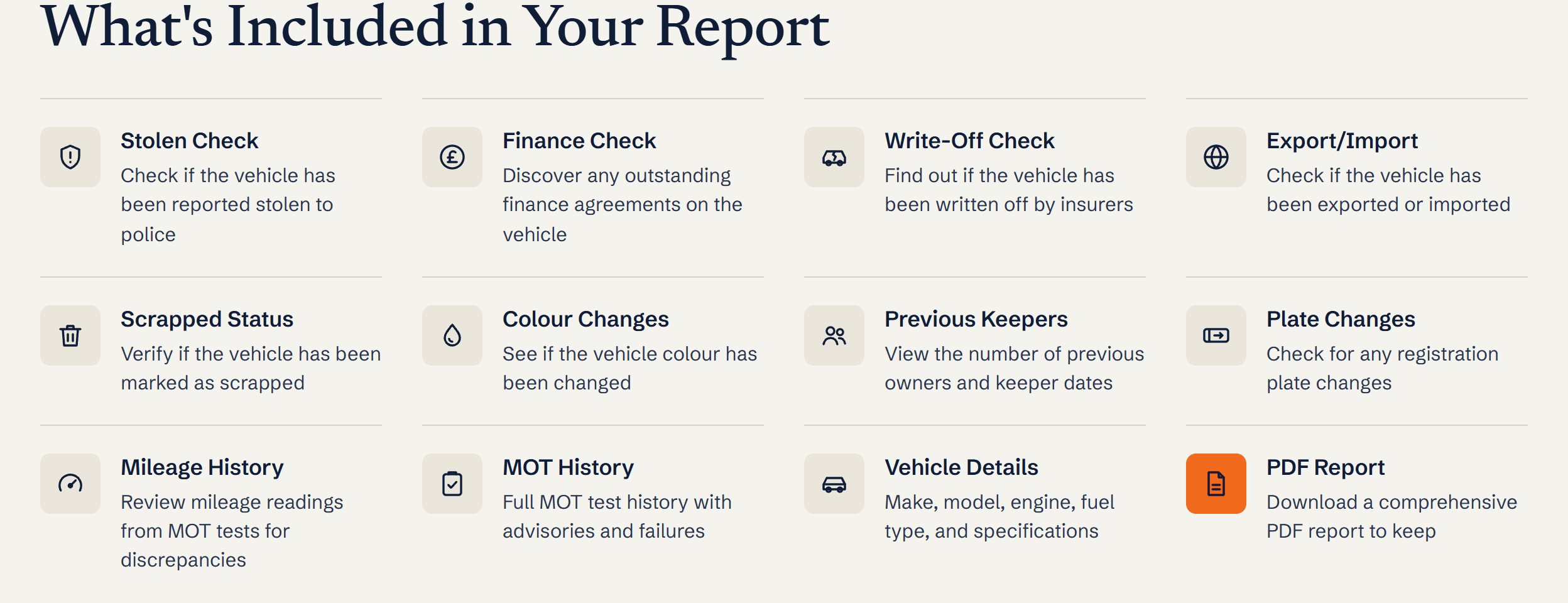
What is included in a DealerPricing history report: stolen, finance, write-off, export/import, scrapped, colour changes, keepers, plate changes, mileage, MOT history, vehicle details and PDF Match the VIN
Compare the VIN on the report with the plate in the windscreen and the stamped chassis number. A stolen car is often sold on a cloned plate from a legitimate vehicle, so the VIN is the real identity.
What you’ll see
- PNC stolen marker with police force, date reported and current status
- MIAFTR theft record from the insurer, including theft claims that were later recovered
- The VIN, engine number and colour to compare against the car
- Plate change history, which cloned or ringed cars often show
Ready to try it?
£2.50 for DealerPricing subscribers. Report stored for 6 months with a PDF.
Frequently asked questions
What happens if I buy a stolen car by mistake?
The police can seize it and return it to the owner or insurer, and you get nothing back unless you can trace the seller. You may also have to prove you did not know, which is why a dated history check matters.
Can I check for free if a car is stolen?
Some sites offer a free PNC lookup as a lead-in to a paid report, but the insurers’ MIAFTR data, finance and write-off checks are not free anywhere. A DealerPricing check covers both stolen sources and everything else for one price.
Why check MIAFTR as well as the police computer?
When an insurer pays out on a theft claim, the car becomes the insurer’s property and is recorded on MIAFTR. If the car is later found, it may be removed from the PNC but still belong to the insurer, so checking both catches cars the police list alone would miss.
What is a cloned car?
A cloned car is a stolen vehicle wearing the plates and identity of a legitimate one of the same make, model and colour. Registration checks come back clean, so compare the VIN, check the V5C watermark and never buy in a car park or lay-by.
Ready to run it? Stolen car check
Related guides
Terms explained
- HPI checkAn HPI check is a UK vehicle history report that confirms whether a car is stolen, has outstanding finance, has been written off, has mileage discrepancy, or has had its plate, colour or keeper details changed.
- Vehicle provenanceVehicle provenance is the verified history of a UK vehicle's ownership, status and incidents - covering stolen markers, finance, write-offs, mileage, plate changes, and keeper history.
- V5C logbookThe V5C is the official UK vehicle registration document issued by DVLA, showing the registered keeper, vehicle technical details and ownership history.